Travelling with Your Amazon Fire TV Stick: A Canadian Traveller's Essential Guide 2026
By Tom ·
Unlock your favourite shows on the go! Learn how bringing your Amazon Fire TV Stick can transform any hotel TV into your personal entertainment hub, perfect for Canadian travellers in 2026.
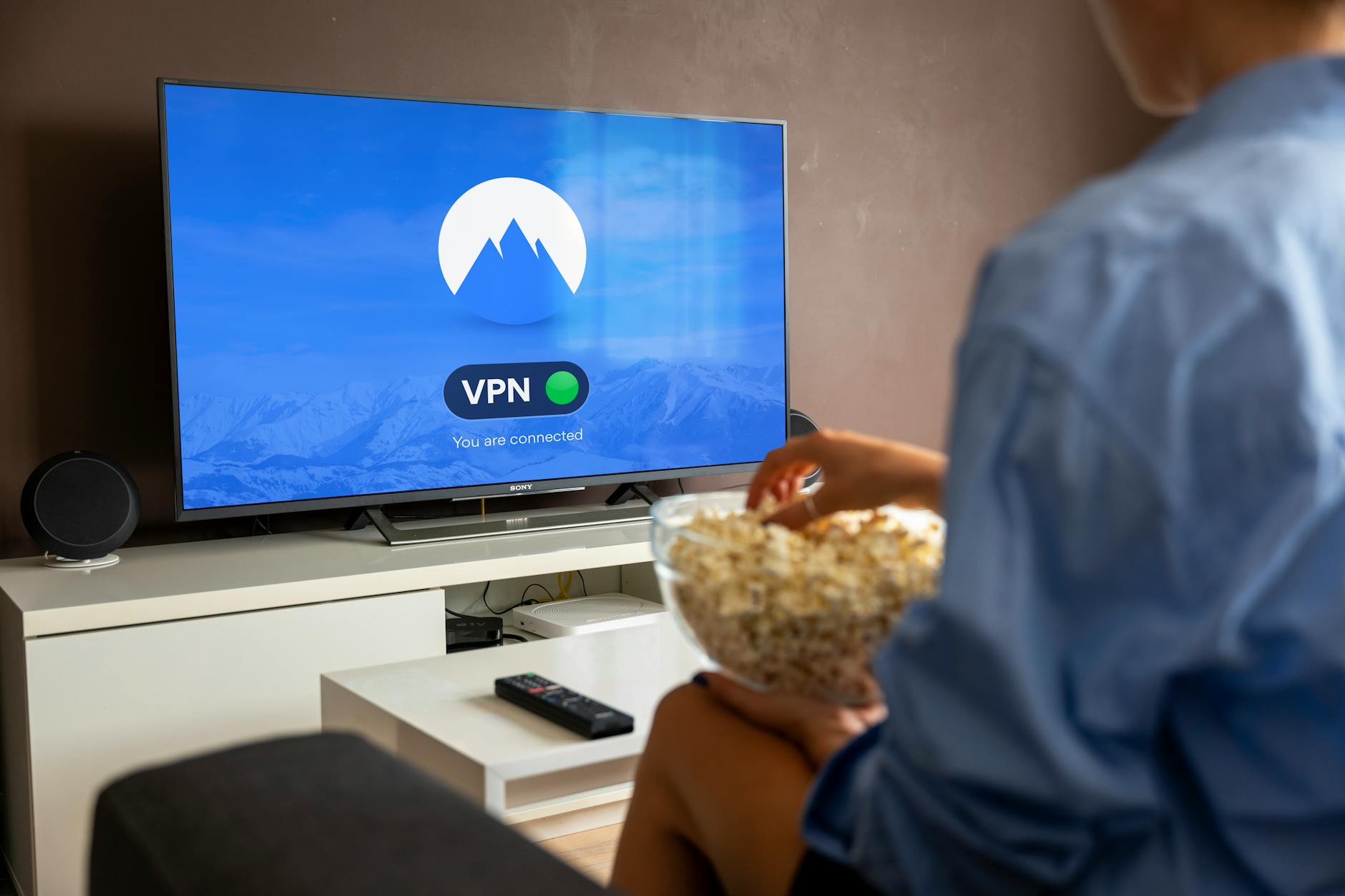
Hey fellow wanderers! Tom here, your go-to Toronto travel consultant, ready to share a game-changing tip for your 2026 adventures. If you haven't considered it yet, packing your Amazon Fire TV Stick might just be the smartest move you make for your next trip. This little device has become a staple in my travel arsenal, and for good reason: it turns any hotel or Airbnb TV into your personalized entertainment hub, giving you access to all your favourite streaming content, no matter where your travels take you.
Forget flipping through limited local channels or dealing with confusing hotel smart TV logins. With a Fire TV Stick, you bring your home entertainment setup with you, ensuring you can unwind with Netflix, Prime Video, Disney+, or even Crave after a day of exploring. It's incredibly compact, weighing about 90g with the remote, so it easily slips into your carry-on without adding bulk. Let's dive into why this gadget is a must-have for Canadian travellers in 2026, and how to make the most of it.
Why Your Amazon Fire TV Stick Is a Travel Game-Changer
Picture this: you've just checked into your hotel in Rome, exhausted from a day of sightseeing. You settle into bed, grab the remote, and... all you find are local Italian channels you don't understand, or a smart TV demanding you log into someone else's Netflix account. Not ideal, right? This is exactly where your Amazon Firestick (https://amzn.to/4tSa7rU) shines. Many accommodations, especially budget hotels, hostels, or those charming remote cabins, just don't offer smart TVs with accessible streaming options. Even Airbnbs can be a privacy nightmare with shared accounts.
Bringing your own Fire TV Stick means you have instant access to your own subscriptions. All you need is Wi-Fi, and suddenly, you're binge-watching your shows just like you would at home. For us Canadians, this is particularly handy. Services like Crave or CBC Gem might be geo-restricted when you're out of the country. Locals abroad often don't align with North American viewing preferences, either. I've found that pre-loading a good VPN app, like SurfShark, onto my device lets me bypass these restrictions, allowing me to access Canadian content when I'm in Europe, or even enjoy the BBC iPlayer when I'm in the UK.
Essential Packing Checklist for Your Fire TV Stick
I can't stress this enough: forgetting even one small component can throw a wrench in your plans. Before every trip, I have a dedicated tech pouch where I meticulously pack my Fire TV Stick essentials. Here's what you absolutely need to bring to ensure your entertainment setup is smooth sailing:
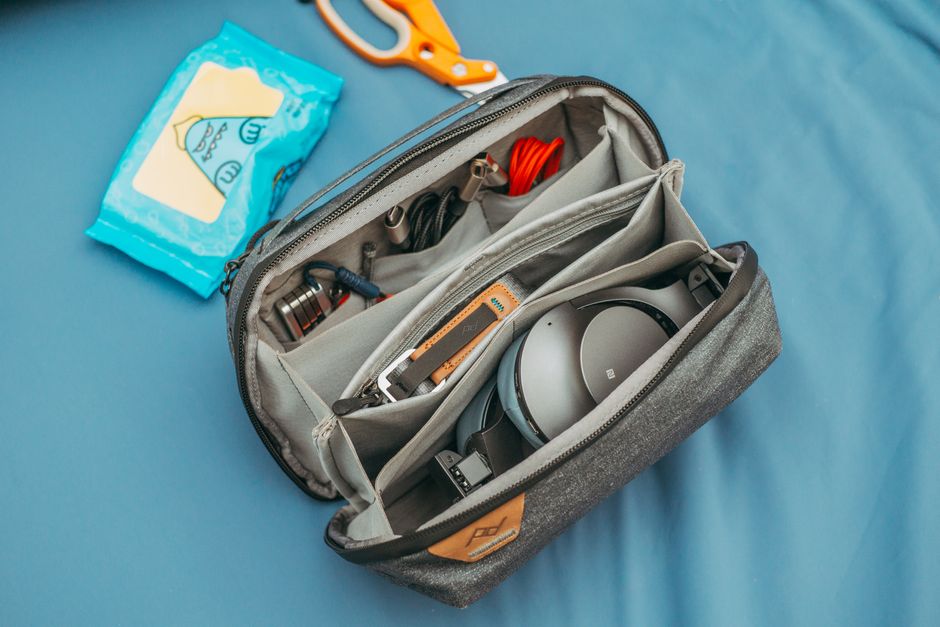
* Fire TV Stick or Cube: This is your core device. I find the stick perfectly adequate and incredibly small, easily fitting into a pocket, but some prefer the Cube for its added power and features. You can check current pricing on the Amazon Firestick (https://amzn.to/4tSa7rU) to see which model suits your needs before you go.
* Original Power Adapter and Cable: Always, always use the original. While generic USB chargers might work, they often don't provide enough power, leading to performance issues. Most Canadian models are dual-voltage (100-240V), meaning they'll work worldwide, but always double-check yours.
* Remote Control with Fresh AAA Batteries: This is a common oversight! Put in fresh batteries before you leave. You don't want to be scrambling for AAAs in a foreign country when all you want to do is relax.
* HDMI Extender Cable: This little guy is a lifesaver. Many hotel TVs have recessed HDMI ports, making it impossible to plug in your Fire TV Stick directly. An extender solves this problem instantly.
* Universal Travel Adapter/Plug Converter: Absolutely critical for non-North American outlets. Think Type C/F for most of Europe or Type G for the UK. Don't leave home without it!
* USB Extension Cable or Power Strip: Sometimes a TV's USB port might be in a tight spot, or the Wi-Fi signal near the TV is weak. Using a USB extension cable can help position your Stick for better signal reception, and a small power strip can be handy if you have multiple devices to charge.
* VPN Subscription: I mentioned this before, but it bears repeating. A good VPN not only secures your activity on public Wi-Fi networks but also allows you to bypass geo-restrictions, so you can access your Canadian content.
* Protective Case: A simple, inexpensive case keeps your Fire TV Stick, remote, and cables organized and protected in your bag. It also reduces the chances of losing a crucial piece.
As a Canadian traveller, you'll find that AAA batteries are pretty universally available if you need them, but it's best to start fresh. And remember, always pack adapters for any dual-voltage devices you bring.
Setting Up Your Fire TV Stick: A Quick Guide for Travellers
Don't let the thought of setting up tech abroad intimidate you. Bringing your this device (https://amzn.to/4tSa7rU) is surprisingly straightforward. I've got this down to a science, and with these steps, you'll be streaming in under 5 minutes, assuming you have Wi-Fi.
1. Plug it in: Insert your Fire TV Stick into an available HDMI port on the hotel TV. If the port is recessed, use that HDMI extender cable we talked about. Then, connect the power cable to the Fire Stick and plug the adapter into the wall outlet.
2. Power on and switch input: Grab the TV's own remote and turn the TV on. Then, use the input/source button to cycle through the options until you find the correct HDMI input where your Fire TV Stick is plugged in. You should see the Fire TV logo appear.
3. Connect to Wi-Fi: Your Fire TV Stick will prompt you to connect to a Wi-Fi network. Select the hotel's or Airbnb's network from the list and enter the password. Be aware that public Wi-Fi networks are often less secure, so I highly recommend activating your VPN immediately after connecting for added privacy and security. For more safety tips, check out ReviewThenGo's /safety scores.
4. Sign in to your apps: Once connected, you can launch your streaming apps (Netflix, Prime Video, Disney+, etc.) and sign in with your own account credentials. Voila! Instant access to your favourite content.
That's it! Easy-peasy. Now you can kick back, relax, and stream away.
Smart Tips and Crucial Precautions for Canadian Explorers
After years of travelling with my streaming device, I've picked up a few extra tips that will make your experience even smoother, especially for my fellow Canadians.
* The Check-Out Ritual: This is paramount. Before you leave any accommodation, make it a habit to check behind the TV. I've almost left my Fire TV Stick and cables behind more times than I care to admit. Set a phone reminder for yourself if you need to! I even scan tabletops for the remote. You wouldn't want to lose your entertainment companion (https://amzn.to/4tSa7rU).
* Exploring More Content (Jailbreaking): Some travellers explore options like
jailbreaking
their Fire TV Sticks to unlock additional apps and content. While this can provide more viewing options, you absolutely must research the legality of such actions in your destination country. Resources like troypoint.com offer guides, but always proceed with caution and awareness of local laws.
* Remote Battery Life: You'd be surprised how long those AAA batteries last. Even with heavy use, I find my remote batteries last well over two months. Still, it's wise to start with fresh ones.
* Luggage Limits: Good news! Your Fire TV Stick easily fits into your carry-on luggage. It's so light that it won't impact any weight limits set by airlines like Air Canada or WestJet.
* International Content Caveats: While your Fire TV Stick works globally, the content available on streaming services can vary by region due to licensing agreements. This is where your VPN becomes invaluable, helping you access content from your home region or other desired locations. For up-to-date travel advisories, check ReviewThenGo's /travel-intel.
Reports from seasoned travellers consistently show reliable performance across various accommodations worldwide. For Canadians venturing through Europe, the U.S., or anywhere else, it's an incredibly low-cost way (often under $60 CAD) to avoid expensive roaming data for entertainment or relying on limited local cable subscriptions. It truly is a
game-changer
for ensuring consistent, comfortable entertainment on your travels.
Frequently Asked Questions About Travelling with a Fire TV Stick
Got more questions? Here are some common ones I hear from clients:
Ready to Enhance Your Travel Entertainment?
There you have it! The Amazon Fire TV Stick is a small device with a massive impact on your travel comfort and entertainment. No more boring evenings after a long day of exploring. I genuinely believe it's one of the best travel tech investments you can make for 2026. So, next time you're planning a getaway, make sure your Fire TV Stick is on your packing list. Your future travel-weary self will thank you for the familiar comfort of your favourite shows. Happy travels, and happy streaming!
Planning your next adventure? Don't forget to check out ReviewThenGo's /reviews for hotel reviews, use our /itinerary builder for seamless trips, and find the best /flights deals for your journey!
Frequently Asked Questions
Can I use my Canadian Amazon Fire TV Stick in any country?
Yes, your Canadian Amazon Fire TV Stick will work in any country, provided you have a compatible power adapter for the local outlets. Most Amazon power adapters are dual-voltage (100-240V), so they will work globally.
Do I need a VPN to use my Fire TV Stick internationally?
While not strictly required for the device to function, a VPN is highly recommended. It secures your data on public Wi-Fi networks and allows you to bypass geo-restrictions, enabling access to content from your home country or other regions.
What if my hotel TV doesn't have an accessible HDMI port?
Always pack an HDMI extender cable. Many hotel TVs have recessed HDMI ports, making it difficult to plug the Fire TV Stick directly. An extender provides the necessary space and flexibility.
Will I have to pay extra to use my Fire TV Stick at a hotel?
No, there are typically no extra charges from the hotel for using your own streaming device. However, you will need to connect to the hotel's Wi-Fi network, which might have a fee depending on the accommodation. Your existing streaming service subscriptions remain the same cost.